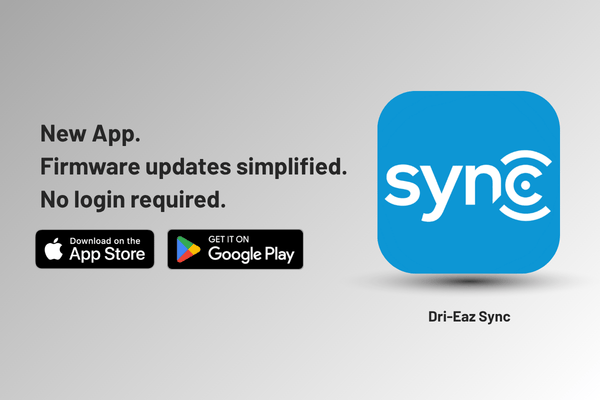
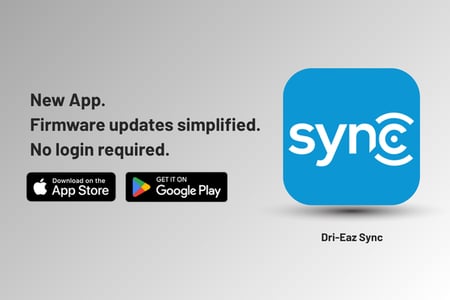
Firmware updates, simplified. No login required.
We heard you. Updating firmware on your Dri-Eaz equipment shouldn't mean creating an account, waiting through a slow one-at-a-time process, or scheduling a service call. So we built something better.
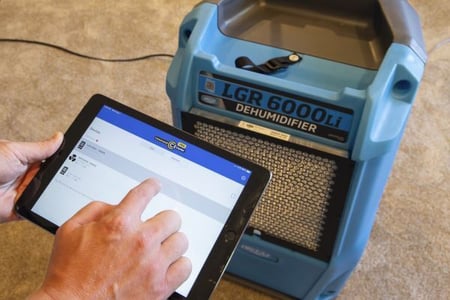
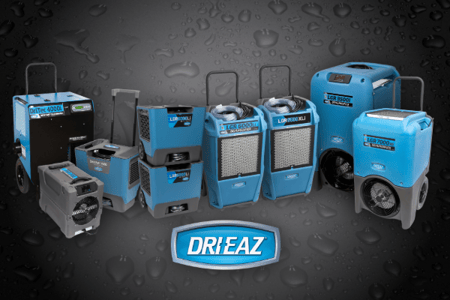
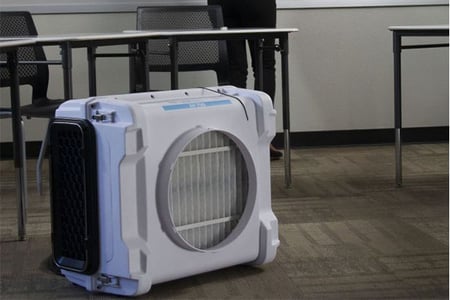
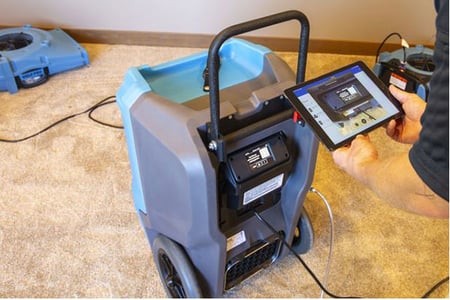
The Dri-Eaz SYNC App connects to your dehumidifiers and air scrubbers over Bluetooth, straight from your phone. It finds nearby devices, shows you which ones have an update available, and installs it for you. No login. No waiting around. Update multiple units at once in just a few taps, then get back to the job while the update finishes in the background.
Why We Built It
Users in the field told us the same thing: updating firmware needed to be faster and simpler. SYNC was built to answer that directly. Find your equipment, connect, and update; all in a few taps.
What It Works With
SYNC connects via Bluetooth to any compatible Dri-Eaz Dehumidifier or Air Scrubber product running the Command Hub controller.
What You Need to Get Started
Download and open the SYNC app.
Make sure Bluetooth and an internet connection are on.
Power on your Dri-Eaz equipment and keep it within Bluetooth range of your phone.
Follow the on-screen instructions.
That's it.
How SYNC Is Different From Command Center Pro
Command Center Pro requires a login and updates equipment one device at a time. That works for some use cases, but it isn't built for the field, and it's slow when you're updating an entire fleet. SYNC removes both of those barriers: no login, and update multiple units at once.
What This Means for You
Update your equipment straight from your phone. No service appointment, no special tools. The app runs in the background so you can stay focused on the job.
Get the App: SYNC is available now for both iOS and Android.
One More Tip: Open the app at the start of every job to make sure your equipment is running the latest firmware, every time.
KEEP IT CURRENT. KEEP IT CONNECTED. KEEP IT PERFORMING.

%20(1).png?width=450&name=Rogue_Blog_Post_Image%20(600%20x%20400%20px)%20(1).png)

.png?width=450&name=twojobs%20(2).png)
.png?width=450&name=Untitled%20(34).png)



















.jpg?width=450&name=email_387159171-(2).jpg)



.jpg?width=450&name=werner_microscrope-(2).jpg)
.jpg?width=450&name=custcommentcard_210417437-(2).jpg)

.jpg?width=450&name=winespill-(2).jpg)


.jpg?width=450&name=uptool_stairs2-(2).jpg)

.jpg?width=450&name=inkexit_extract1-(2).jpg)






.jpg?width=450&name=reminder_postcard_postimage-blog-(2).jpg)










.jpg?width=450&name=cigarette-smoke_1222816192-(2).jpg)

.png?width=450&name=LB.Com%20Blog%20Image%20Template-1%20(1).png)